Obsessed Lucy System Requirements
Steam-listed minimums for Windows, macOS, and Linux— and what Update 2 animations mean in practice.
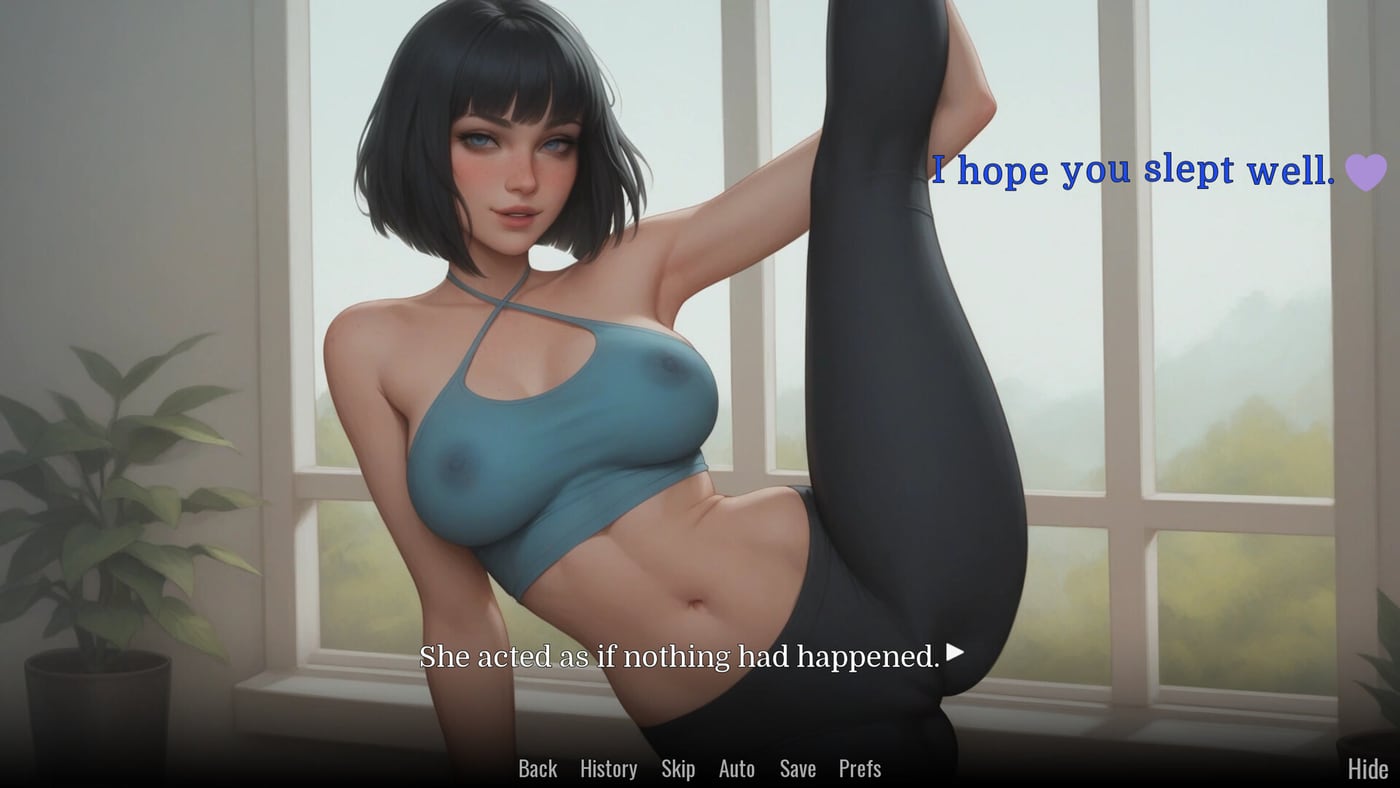
Obsessed Lucy is a lightweight visual novel compared to open-world action titles, but it still ships native builds for Windows, macOS, and Linux on Steam (app 3995190) and itch.io. VNGTrash targets modest hardware: the Steam store page lists roughly a Dual Core processor, 2 GB RAM, a GeForce GT 750-class or equivalent GPU, and about 2 GB of available storage. Those numbers reflect minimum expectations for a 1080p-friendly NVL client with image-heavy scenes—not a AAA shader showcase.
Update 2 (February 2026) added +108 images and +26 animations documented on Devlog & Patch Notes. Minimum specs did not jump to console-tier, yet animated segments can stutter on very old integrated graphics if drivers are outdated. This article translates official requirements into practical advice and links gameplay help if your machine passes specs but still feels sluggish.
Official minimums (Steam listing summary)
| Component | Minimum guidance |
|---|---|
| OS | Windows, macOS, or Linux builds as offered on your storefront |
| CPU | Dual Core class processor |
| Memory | 2 GB RAM |
| Graphics | GT 750-class discrete or reasonable integrated equivalent |
| Storage | About 2 GB free space— allow extra headroom after large patches |
Always read the live Steam system requirements panel before purchase; VNGTrash may adjust wording after hotfixes. Platforms & Languages lists where each build downloads.
Windows notes
Windows 10 or 11 64-bit systems with updated DirectX runtimes handle Obsessed Lucy well when the GPU driver is current. Laptops switching between integrated and discrete chips should force the discrete GPU for the game executable if you see frame drops during animated CGs from Update 2.
Visual novels rarely benefit from aggressive overlay software. Discord, FPS counters, and recording tools can cause micro-stutters on 2 GB RAM machines— close extras during emotional peaks if audio crackles. Save often using habits from How to Play; disk space issues should not corrupt saves, but low storage slows shader cache writes on some drivers.
macOS notes
Apple Silicon Macs run many Intel-built VNs through translation layers depending on how the developer packaged the itch or Steam build. If performance feels off, run fullscreen at native resolution instead of scaled Retina modes that double pixel load. macOS privacy prompts for files or screen recording are unrelated to Obsessed Lucy unless you use external capture for streaming.
Heat and fan noise spike during animated scenes; that is normal on thin laptops. If the system thermally throttles, plugged-in power and a flat surface help more than lowering text speed.
Linux notes
Proton is not always required when a native Linux depot exists on Steam— verify which binary your library installs. Wayland versus X11 session choice can affect fullscreen behavior on some distributions. If videos or animations fail to show, install common 32-bit compatibility libraries your distro documentation recommends for Steam games.
itch Linux builds may ship as zip downloads; ensure execute permissions and required glibc versions match your release. Steam vs itch.io compares clients if you dual-boot storefronts.
Storage planning after updates
Base install size near 2 GB is a floor, not a ceiling. Gallery replay caches, unfinished downloads, and future patches consume additional space. After Update 2, keep at least 1 GB spare for temporary unpack during updates. Completion hunters storing multiple save slots across routes should also budget space for screenshots or external guides— see 100% Completion.
When specs are fine but gameplay feels wrong
- Text speed or auto-forward — Adjust in-game; walkthroughs on Choice Points assume you can pause.
- Resolution scaling — Lower fullscreen resolution before blaming story content.
- Background apps — Translation overlays hooking global hotkeys may conflict; disable to test.
If audio desyncs only during new animations, check Updates Hub for hotfix notes before reinstalling.
Related wiki and gameplay links
Confirm storefront language support on Platforms & Languages. Mature 18+ themes do not affect specs but may affect whether you play on shared hardware— read Mature Content first.
Gameplay depth: Full Story Walkthrough, Endings, Achievement Tracker for Steam’s nine trophies, and Review if you wonder whether modest specs justify a blind buy on Worth Buying?.
Return to the Wiki Hub when you need overview links; return here when you upgrade hardware or move from itch to Steam and want a quick sanity check.
Frequently Asked Questions
Quick answers about Obsessed Lucy.
Can I play Obsessed Lucy on 2 GB RAM realistically?
Steam lists 2 GB as minimum. Close background apps on tight systems; integrated graphics may struggle on animated Update 2 scenes but story remains playable.
Do animations from Update 2 change requirements?
No new official tier was published at launch, but weak GPUs may stutter. Update drivers before assuming the game is broken.
Is a GT 750 strictly required?
Steam cites that class as a reference point. Modern integrated GPUs usually exceed it; very old laptops may need lowest resolution.
Where do I download Linux builds?
Steam and itch both offer Linux options depending on your purchase. Platforms & Languages lists storefront links and language support.